Instant identification
Rings, necklaces, bracelets, earrings and brooches, recognised from a single photo in seconds.
Jewelry identifier for iPhone
Snap a ring, necklace or bracelet. AI Jewelry tells you what it’s made of, when and where it was likely made, who might have made it and a realistic value range, with the reasons behind it.
Requires iOS 17 or later. Identification needs AI Jewelry Pro: $4.99/week or $24.99/year in the US. Some plans start with a free trial.
How it works
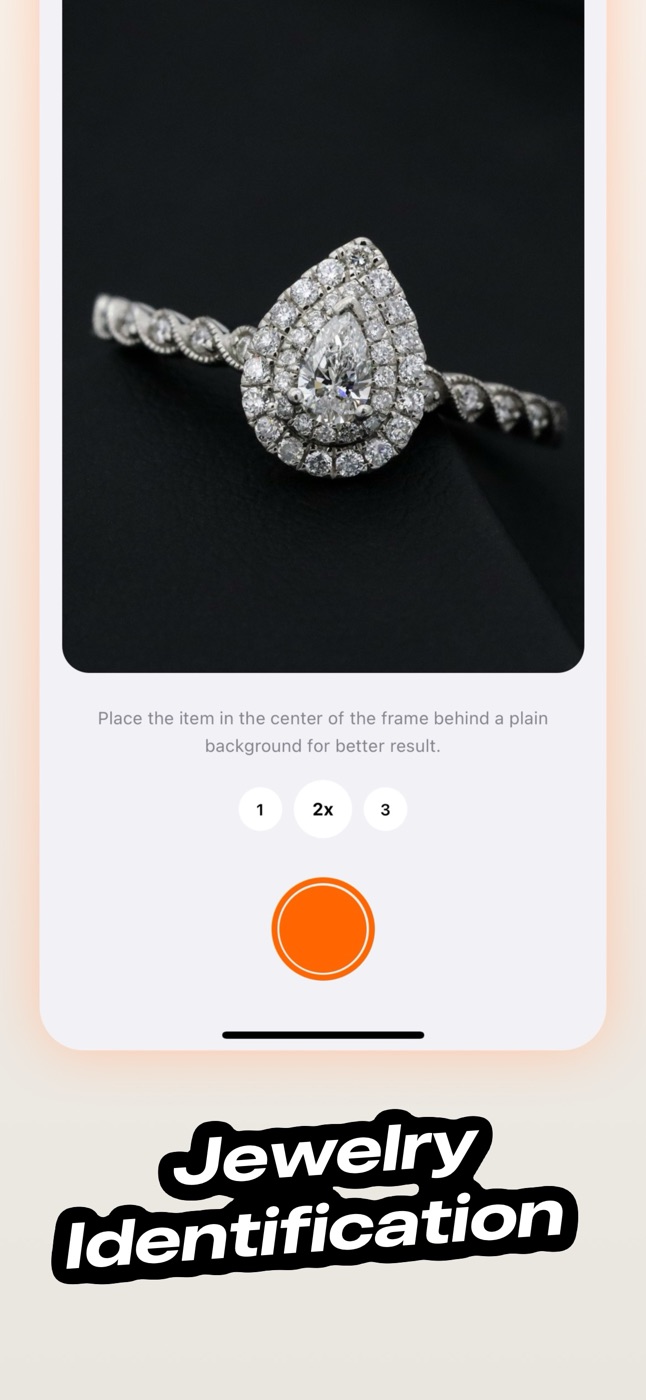
Lay the piece on a plain background in good light and take a photo, or choose one from your library.
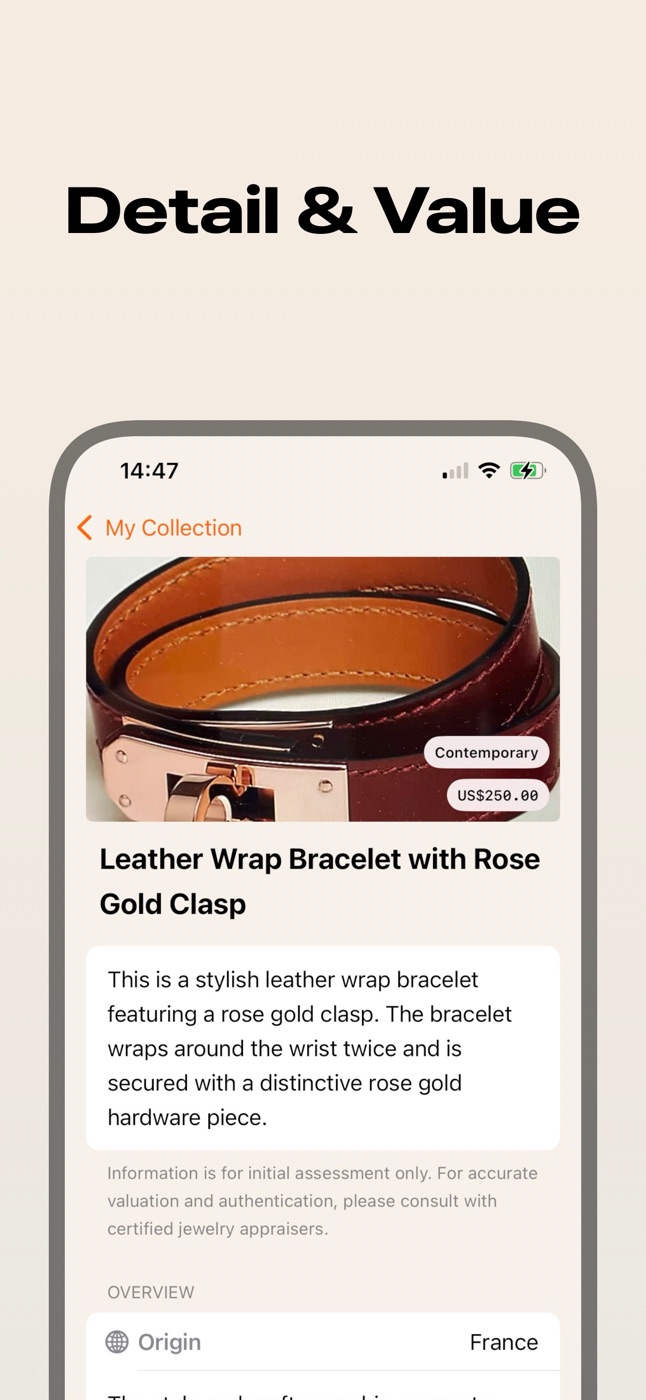
Get the type, metals and stones, era, likely origin and possible brand, each with a short explanation.
See an estimated value range and what drives it, so you know what to keep, insure, appraise or sell.
The full report
Jewelry apps are often criticised for prices with no explanation. AI Jewelry shows a range, not one magic number, and tells you which details pushed it up or down.
Features
Rings, necklaces, bracelets, earrings and brooches, recognised from a single photo in seconds.
A low-to-high estimate in US dollars, plus the reasoning: metal, stones, craftsmanship, brand and condition.
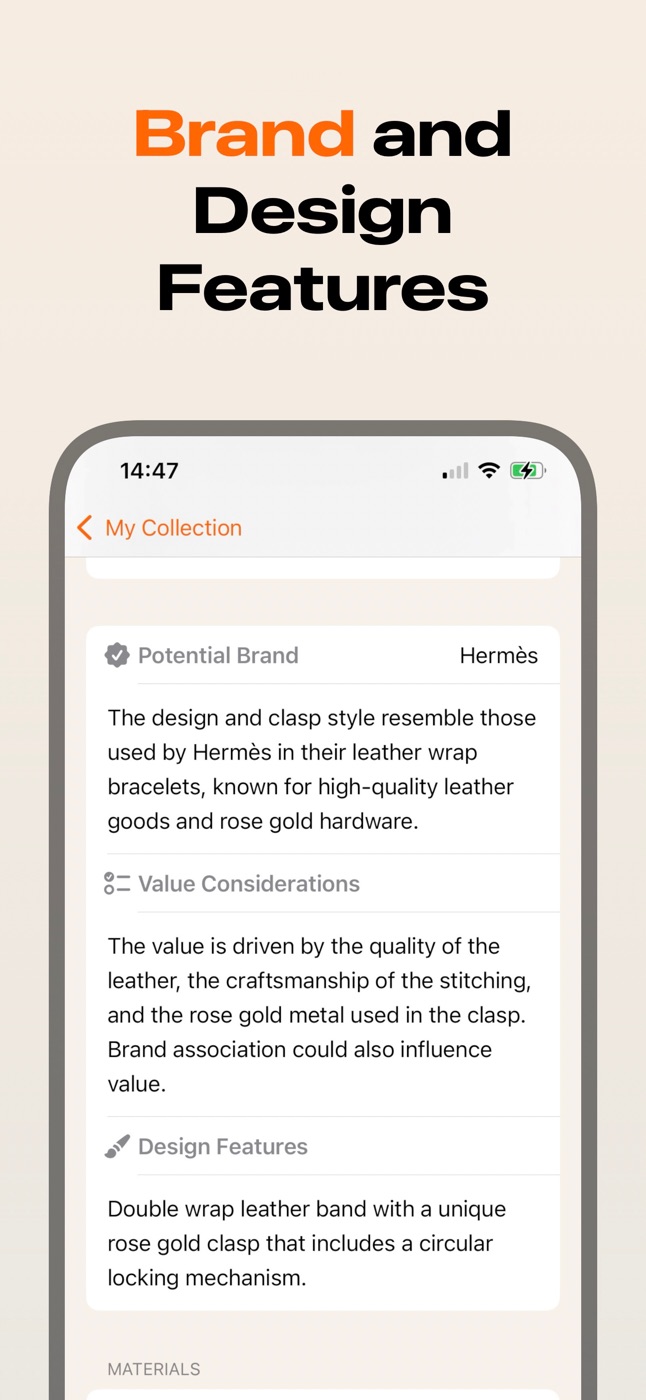
See whether the design looks like a known maker, and why. A useful lead before you look for a signature or stamp.
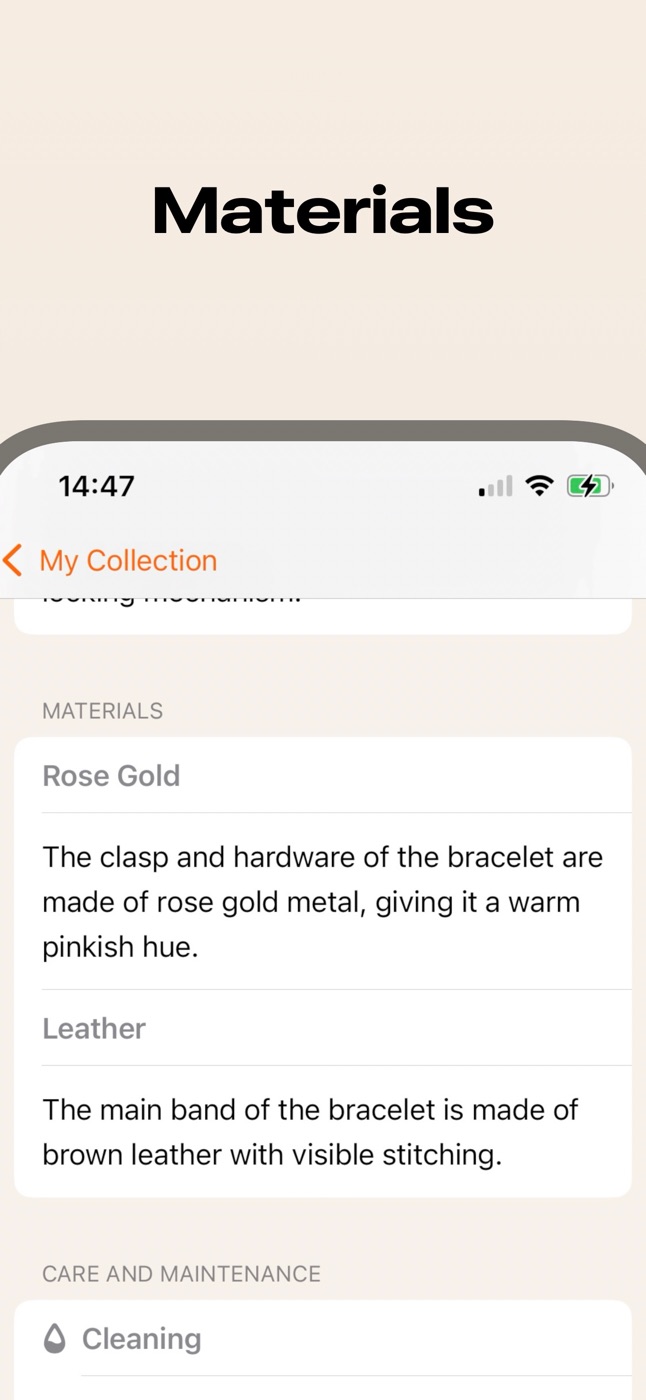
A breakdown of every material in the piece, from the metal to each gemstone, with what to look for.
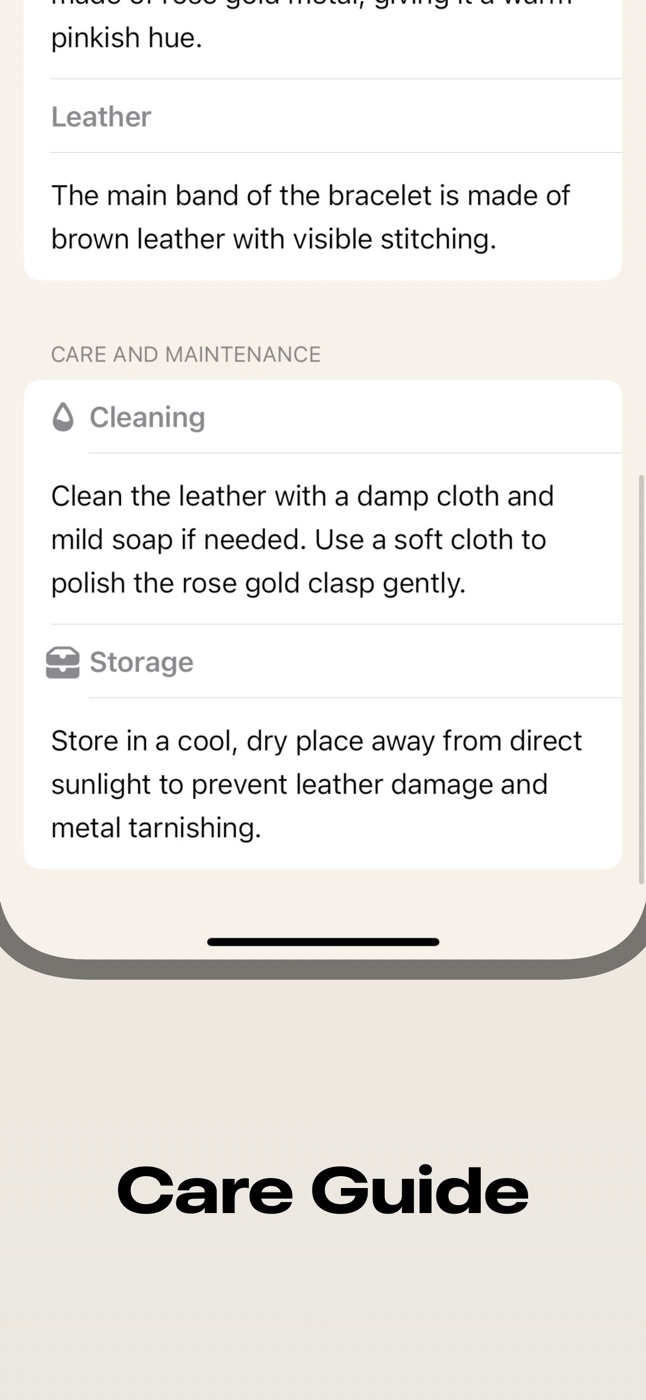
How to clean and store each piece without damaging leather, pearls, soft stones or plating.
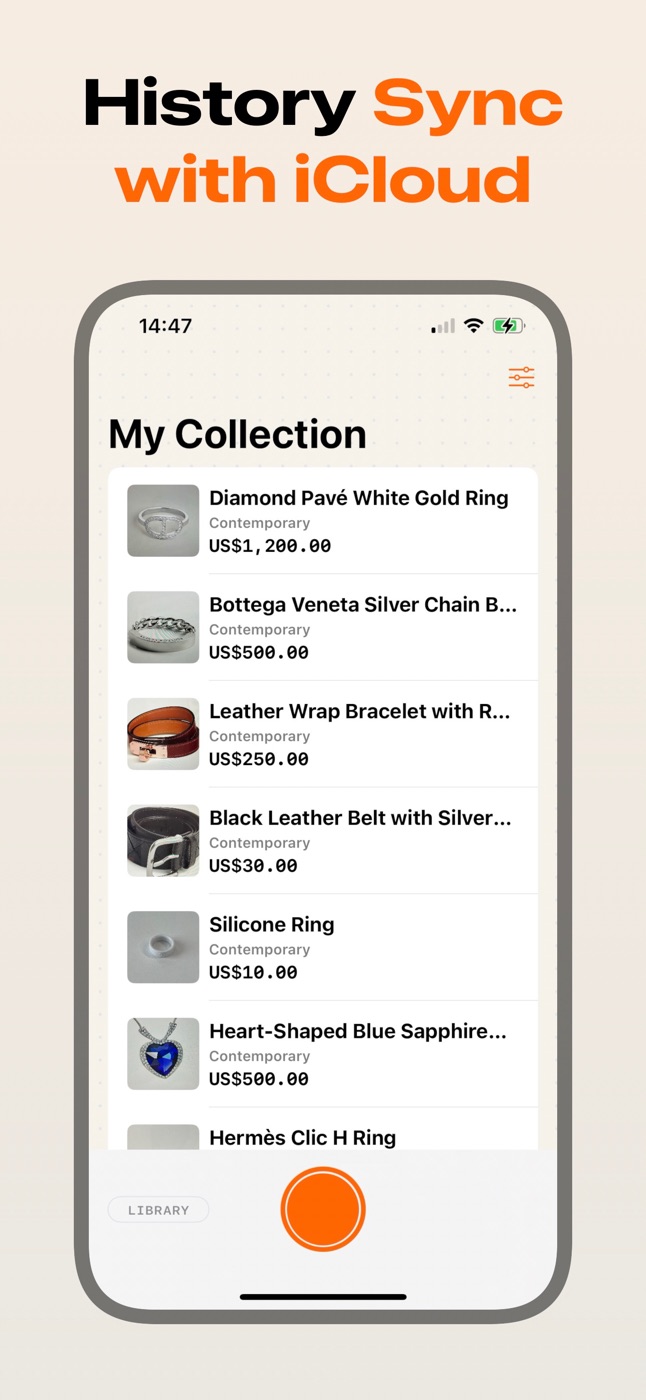
Every piece is saved with its value, so you can see your whole collection and it syncs with iCloud.
A closer look
Honest by design
Some jewelry apps claim they can test a diamond or promise accuracy figures they can’t back up. AI Jewelry tells you what a photo can show, and what it can’t.
AI Jewelry Pro is $4.99 a week or $24.99 a year in the US. You see the price before you start, and you choose the plan.
Subscriptions are managed by Apple. Cancel any time in Settings → your name → Subscriptions.
Every estimate is a range with the reasoning behind it, so you can judge it yourself.
A photo can’t prove a diamond is natural, measure gold purity or weigh a stone. For that, see a jeweler or a lab.
Open the app and start scanning. There’s nothing to sign up for and nothing to watch.
We don’t collect personal data or sell anything about you. Your collection lives in your own iCloud.
Who it’s for
Sort a family jewelry box fast and find the pieces worth a professional appraisal.
Check a piece at the estate sale or thrift store before you buy it.
Catalogue your collection with materials, era and value, all in one place.
Found a ring in a drawer? Find out what it is and whether it’s worth a closer look.
Guides
Try the fog, read-through and loupe tests, learn why moissanite and lab-grown diamonds pass them, and know when you need a tester or a GIA or IGI report.
Read guide →Read karat stamps, check wear, try the magnet and density tests, tell plated from gold-filled, vermeil and solid, and see how jewelers confirm gold.
Read guide →Decode the marks inside rings and on clasps: gold, silver, platinum and palladium purity stamps, plating codes, maker's and assay marks, and fakes.
Read guide →FAQ
AI Jewelry is free to download. Identifying jewelry needs an AI Jewelry Pro subscription: $4.99 a week or $24.99 a year in the US, with local prices shown in the App Store. Some plans start with a free trial.
No app can do that from a photo, whatever it claims. AI Jewelry reads what’s visible, like style, setting, colour, wear and design, and tells you what the piece most likely is. To confirm a diamond, gold purity or a gemstone, take it to a jeweler or a gem lab.
It’s a starting point, given as a range with the reasons behind it. Weight, stone quality, hallmarks and condition all change real prices, so get a professional appraisal before you buy, sell or insure anything valuable.
Use daylight or bright, even light, a plain background, and fill the frame. Take a second photo of any stamp, hallmark or signature, since those carry most of the clues.
Rings, necklaces, pendants, bracelets, earrings and brooches, from fine jewelry to costume and vintage pieces.
Open Settings on your iPhone, tap your name, then Subscriptions, and choose AI Jewelry. Apple handles all billing, so you can cancel any time.
Yes. Your collection syncs through iCloud across devices signed in to the same Apple Account.
Email hello+aijewelry@sarunw.com, or use “Report a bug” in the app’s settings.

Download AI Jewelry and find out what your pieces are worth.
Download on theApp Store